— free · no signup · commercial use ok
Tumbler wrap templates,
measured instead of guessed.
Every popular size, at true physical size, taken off real blanks with calipers. SVG plus native LightBurn and xTool projects. Take them and go — there is nothing to sign up for.
8 sizes · 3 formats each · updated as we measure more blanks
— pick your cup
Every size, drawn to scale.
These are not the same rectangle at different sizes. Each wrap below is drawn to true proportion, and the red lines mark where the cup tapers and a flat rectangle stops being accurate.
40 oz Tumbler
315 × 240MMTapers 315→240mm · handle keepouts
Download SVG · LightBurn · xTool →30 oz Flip Tumbler
285 × 210MMTapers 285→225mm
Download SVG · LightBurn · xTool →30 oz Handle Tumbler
280 × 211MMTapers 280→240mm · handle keepouts
Download SVG · LightBurn · xTool →22 oz Sports Water Bottle
245 × 199MMStraight-sided
Download SVG · LightBurn · xTool →20 oz Skinny Tumbler
245 × 195MMStraight-sided
Download SVG · LightBurn · xTool →20 oz Travel Tumbler
277 × 144MMTapers 277→236mm
Download SVG · LightBurn · xTool →16 oz Tumbler
250 × 126MMStraight-sided
Download SVG · LightBurn · xTool →10 oz Mug
275 × 100MMStraight-sided · handle keepouts
Download SVG · LightBurn · xTool →
— what you’re downloading
A shop template, not a rectangle.
Measured on the real blank
Circumference, taper and safe zones taken with calipers off the cup itself, not read off a spec sheet or a Facebook comment.
Sections, not one flat size
Where a cup tapers, the template splits into top, transition and bottom and labels the circumference of each — the thing a single number can't tell you.
Native laser projects
SVG at true size, plus real .lbrn2 and .xs project files. No import-and-rescale, no guessing at DPI. Guides sit on the cut layer so you can switch them off.
Seam overdraw built in
40mm past the seam on each side, so a pattern that runs off the edge comes back around the other side instead of stopping dead.
— where a paper template runs out
A template gives you the size. It still can’t show you the cup.
You already know this part. You print it, tape it around the blank, eyeball the placement, and find out what you actually made after the laser has already run.
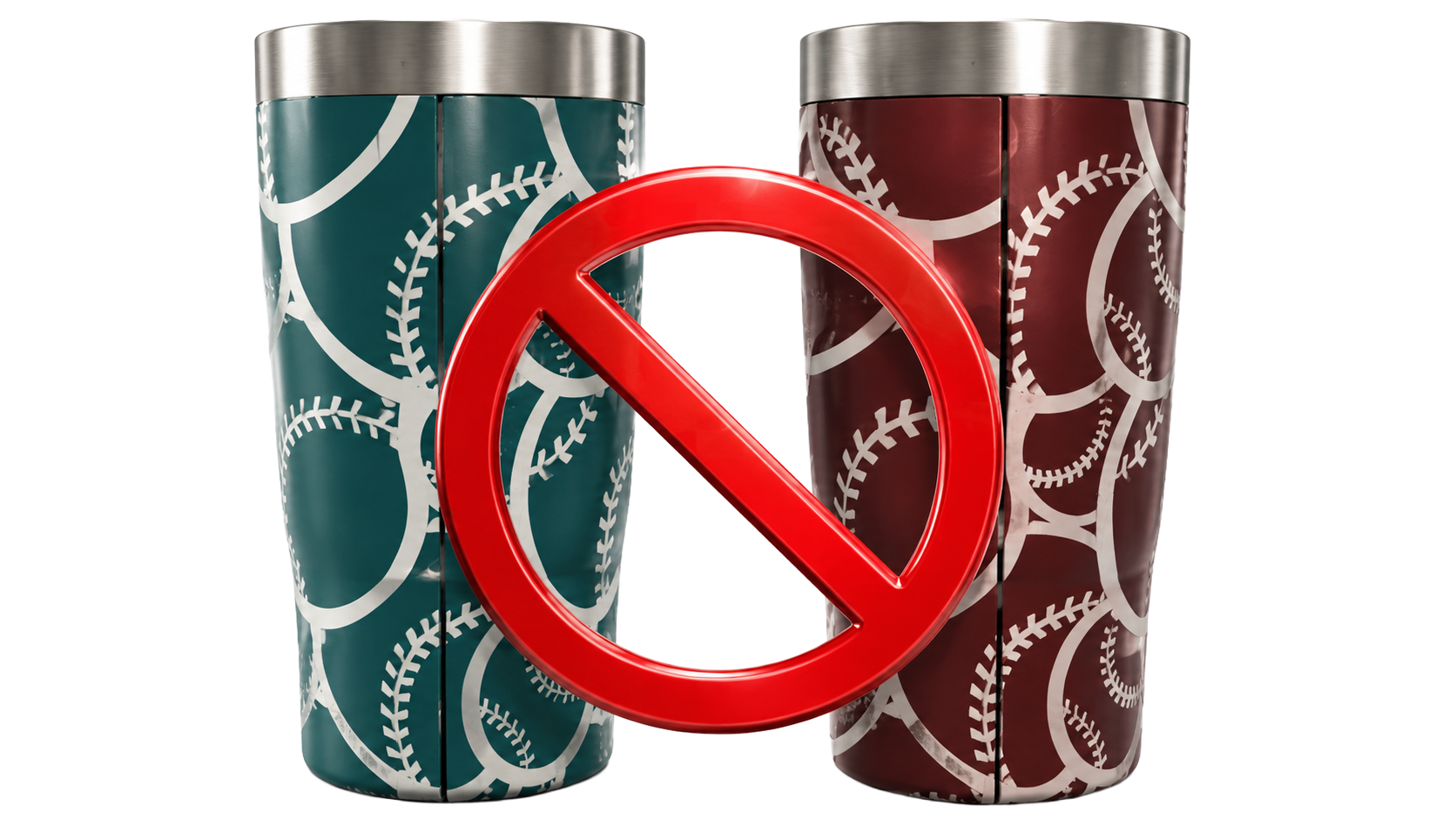
The seam doesn't meet
Flat, the wrap looked perfect. On the cup the pattern misses itself at the seam, and there's no fixing it after the burn.
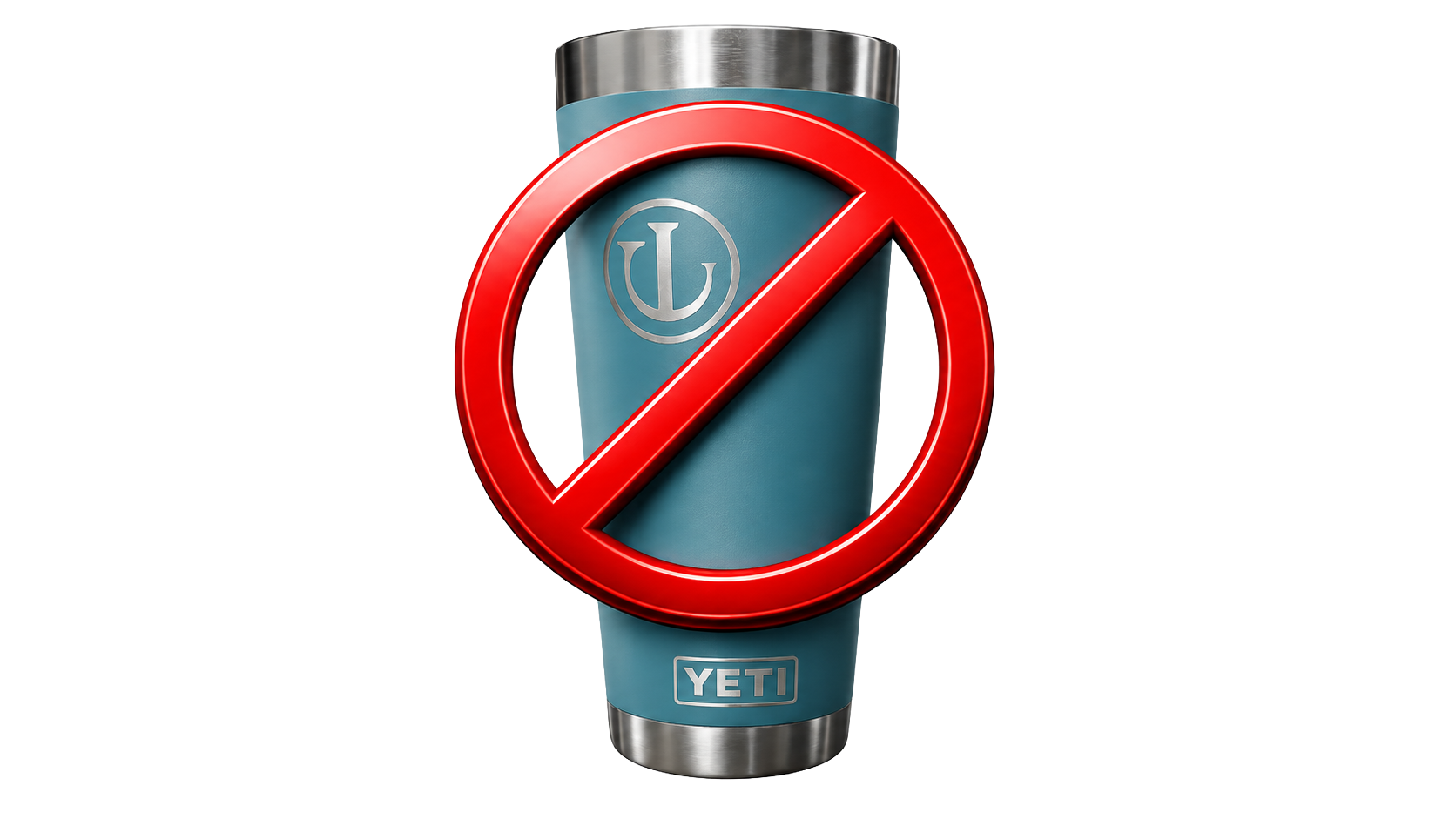
Engraved in the wrong spot
The name was meant to sit under the logo. It's an inch off and wrapped onto the handle. That blank is done.
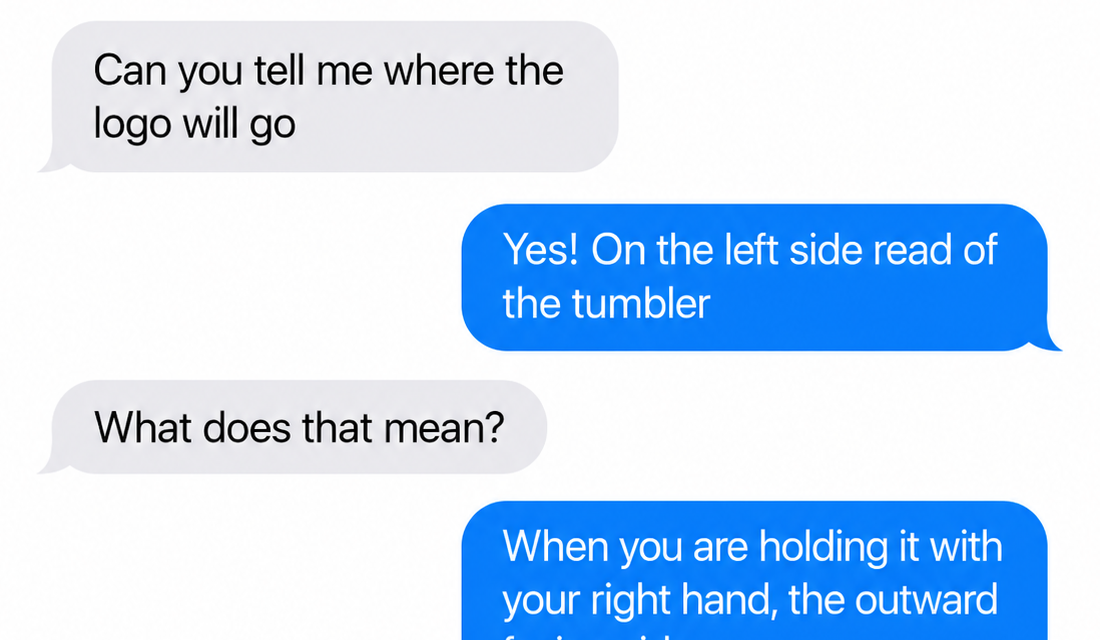
“Where will it go?”
Ten messages deep with a customer trying to describe placement in words, and they're still surprised by the result.
— so we made the template live on the cup
TumblerForge is this template, running.
Same measurements, same seams, same taper bands — except the artboard is the template, and every edit engraves onto a spinning 3D cup while you work. The file you just downloaded is literally the artboard you get when you open it.
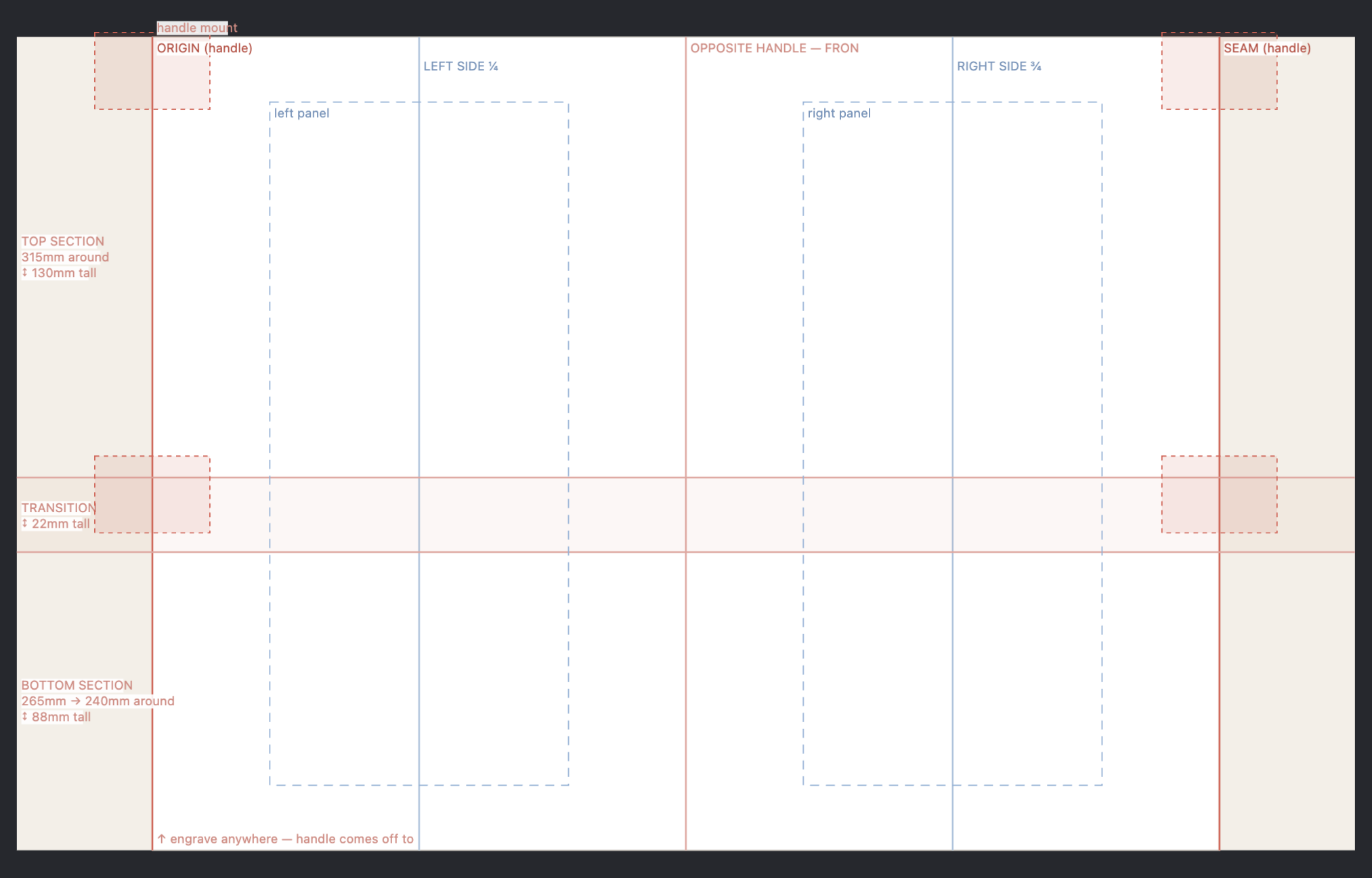
The template is the canvas
Design past the seam and watch it wrap. Snap to centres, edges and corners.
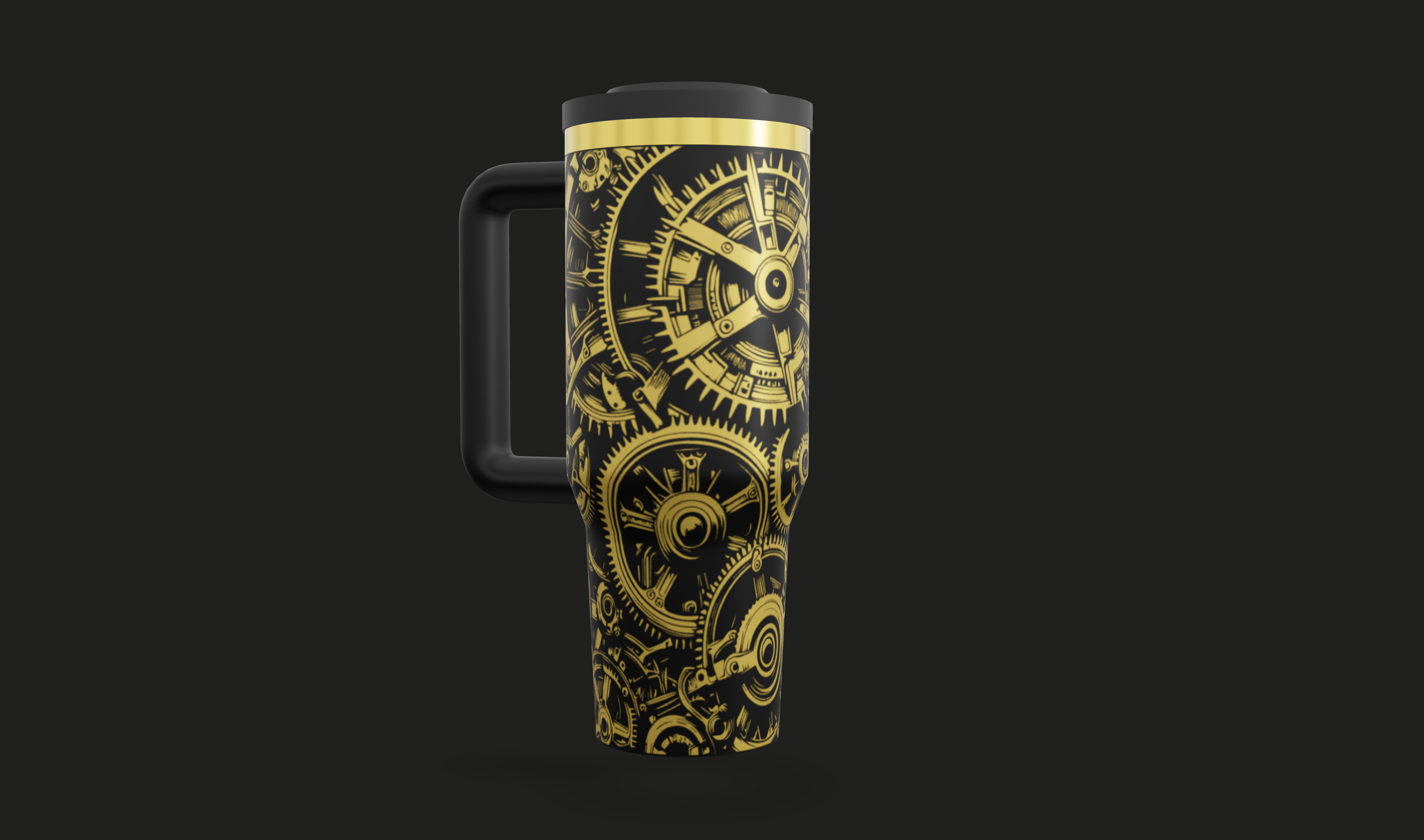
Live 3D proof
Every edit lands on the spinning cup instantly — any size, any coat colour, any plating.
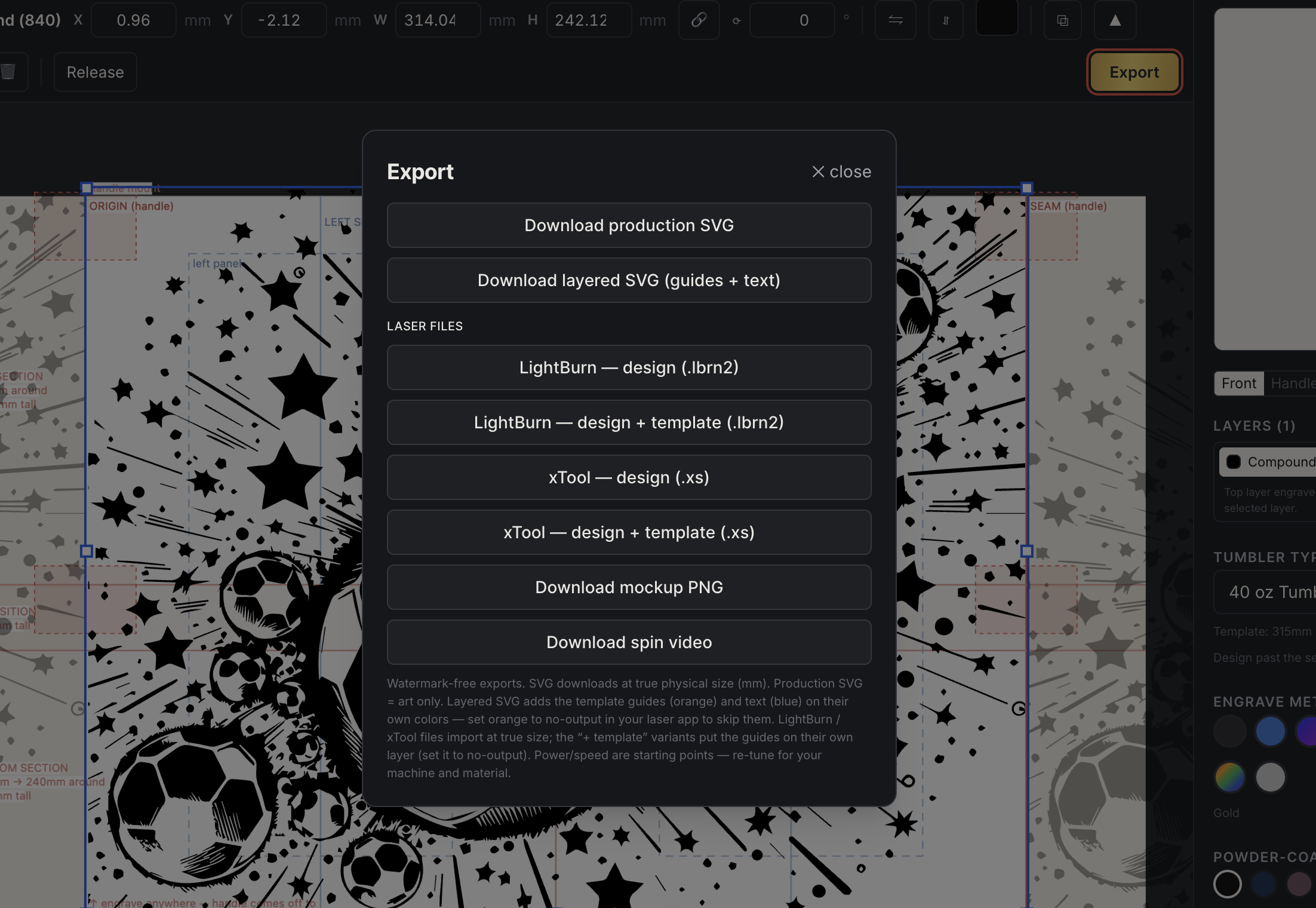
Production files at true size
Layered SVG plus native LightBurn and xTool exports, guides on a no-output layer.
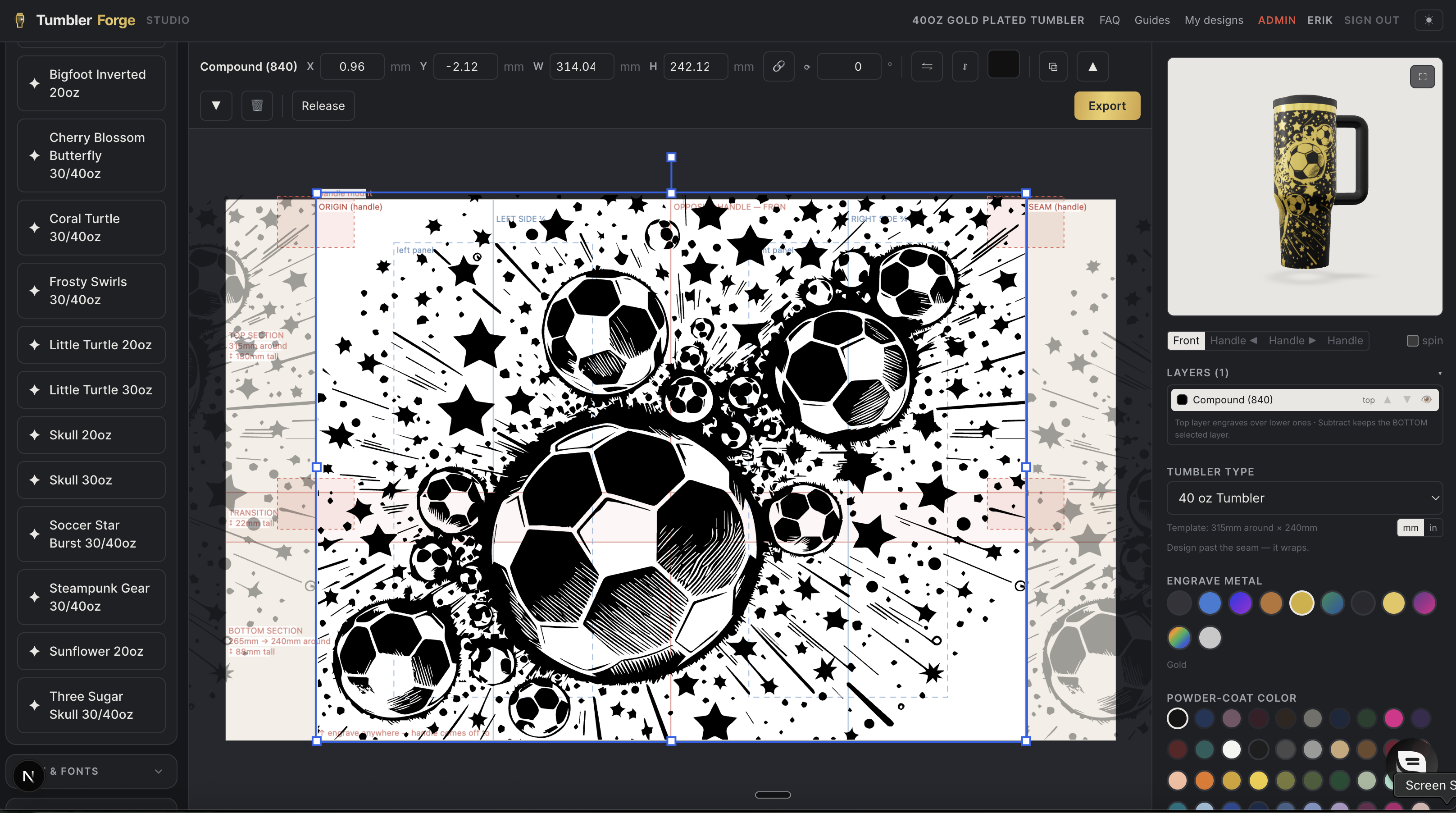
The whole studio
Text in 21 fonts or upload your own, vector trace, boolean ops, outlines and contours, fill-the-wrap.
— 30 seconds
Watch a wrap go on.
— with the paper template
- · Print it, tape it, mark it up
- · Guess how the art crosses the seam
- · Mock it up in Photoshop, badly
- · Burn a blank to test placement
- · Resize everything again at the laser
— with the template running
- · Pick the blank, template loads measured
- · Design past the seam, watch it wrap
- · 3D preview proves it before you burn
- · Customer approves a spinning mockup
- · Files export at true size, ready to run
— from the shop floor
“The seam finally meets. I design past the edge, watch it wrap around live, and the SVG opens in LightBurn at exactly 1:1. No more test burns on $30 cups.”
“I send the spinning 3D video to customers before I burn anything. Approvals come back the same hour instead of after a week of Photoshop mockups.”
“The photo mockups became my listing images. Every coat color on every cup without buying one of each blank first.”
“Templates match the blanks we actually stock — taper lines, handle keep-outs, the works. My new hire wrapped her first cup right on day one.”
“I traced my customer's logo, added a name in a script font, and had the outline offset done in minutes. It's the tool I kept trying to fake in Canva.”
“Batch personalization is painless — same layout, swap the name, export. The true-size files mean zero resizing at the laser.”
— 7-day free trial · templates stay free either way
Pays for itself the first blank you don’t burn.
Monthly
Flexible while you find your groove.
7-day free trial · no charge until it ends
- ✓Full studio + every tumbler template
- ✓Live 3D preview & spin videos
- ✓Watermark-free SVG, mockup & video exports
- ✓Cancel anytime — keep access to period end
Annual
Best valueTwo months free vs. monthly.
7-day free trial · no charge until it ends
- ✓Everything in Monthly
- ✓Two months free every year
- ✓One renewal to think about, not twelve
- ✓Switch plans anytime — prorated fairly
Lifetime
Pay once. Yours forever. Not a trial.
One payment, charged today · Not a trial · Final sale
- ✓Everything in the subscriptions
- ✓Every future tumbler & feature included
- ✓No renewals, ever
- ✓Unused subscription time credited at checkout
- ✓Final sale — not refundable. Try it free on the trial first.
All plans include the same tool — the only difference is how you pay.
— questions
Before you ask.
- Are these tumbler templates really free?
- Yes. Every size, every format, no account and no email. Use them commercially, no attribution needed. We give them away because makers who stop guessing at wrap sizes tend to want the rest of what we build.
- What size is a 40oz tumbler wrap?
- 315mm around by 240mm of engraveable height, measured at the widest engraveable point on a real blank. It also tapers, so a single 315mm rectangle will distort near the base — the annotated template marks the transition and gives you the circumference of each section.
- Why is the template wider than the tumbler's circumference?
- There is 40mm of overdraw on each side. Art that runs past the seam wraps around to the other side of the cup, so designing into the margin is how you get a pattern that meets itself instead of stopping short.
- Will the file open at the right size in LightBurn or xTool?
- Yes. The SVG is authored at true physical size — one unit is one millimetre — and the .lbrn2 and .xs files are native projects, so there is no import-and-rescale step. Every guide lands on the cut layer; switch that layer's output off before you run the job.
- What is the difference between the annotated and blank templates?
- The annotated one is the real Studio artboard: seam and centre lines, taper sections with each band's circumference, handle-mount keepouts, and panel guides. The blank is just the wrap outline and the overdraw boundary, for people who want a clean frame.
- Do I still need TumblerForge if the templates are free?
- Not to lay out a wrap. The template tells you the size. What it can't do is show you the seam meeting before you burn, or hand a customer a spinning preview to approve. That's the part you're paying for, and there's a free demo so you can decide.
Take the templates. Then see them move.
Or browse the blank library — every cup, every plating, with a 3D preview.